Free · Browser-based · No upload
Online film negative viewer that turns negatives into positives in real time
Hold a film negative in front of your phone or laptop camera. Negative Viewer inverts the colors live, so you can preview 35mm, 120, and 4×5 negatives instantly — no scanner, no app to install, and no images uploaded anywhere.
New here? Read the 30-second how-to guide or jump to the FAQ.
What this tool does
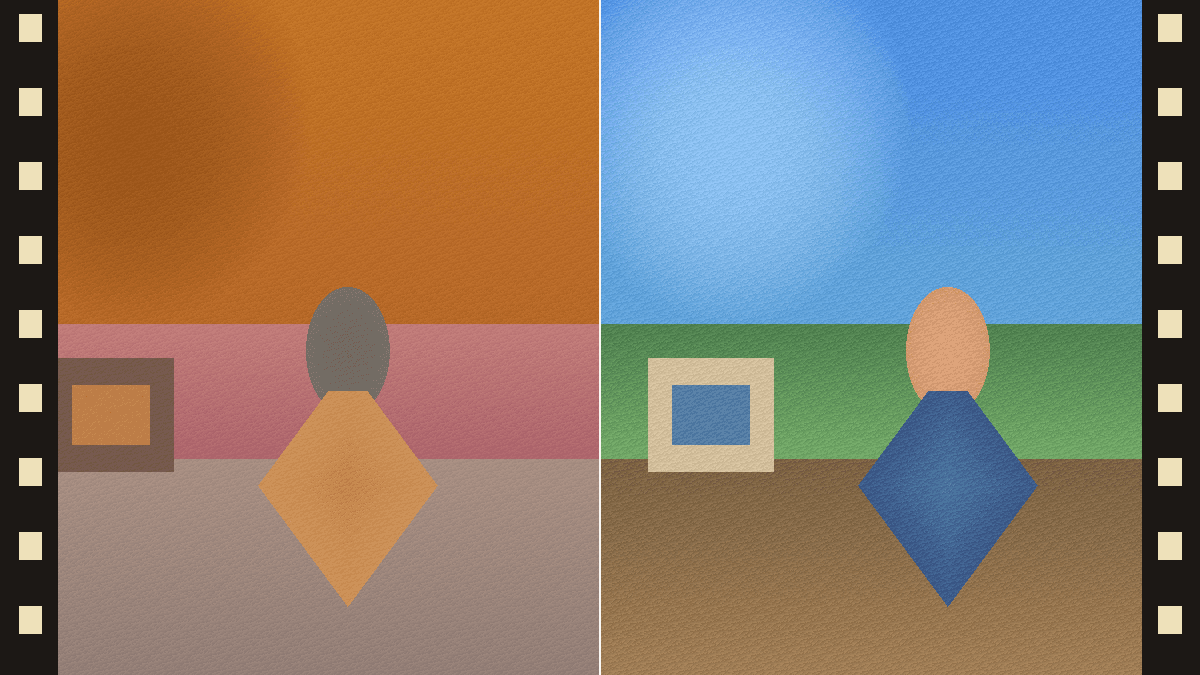
A film negative stores an image with all its colors inverted — bright skin tones look dark, blue skies look orange, and shadows are transparent. To see the actual photograph, every pixel needs to be flipped: red becomes cyan, green becomes magenta, blue becomes yellow. That is exactly what a film scanner does, and it is what this web app does in real time using your camera.
You do not need a scanner. You only need a backlight (a phone screen showing a white image works), a roll or strip of negatives, and a device with a camera and a modern browser. Press Start camera, point it at the negative, and see the photo as it was meant to be seen.
Why people use Negative Viewer
Privacy by design
Camera frames are inverted on your device with the Canvas API. No video, photo, or pixel ever leaves your browser.
Free, forever
No sign-up, no trial, no usage cap. The site is supported by lightweight ads, not your data.
Works on any device
Phone, tablet, laptop, Chromebook, iPad — anywhere a modern browser can request camera permission.
Instant preview
See the positive image at the same frame rate as your camera. Pan across a strip of 36 frames in seconds.
One-click save
Press Save photo to download the current frame as a PNG. Useful for sharing a quick reference shot of an old negative.
Made for film shooters
Designed for hobbyist film photographers, archivists, and anyone who inherited a shoebox of family negatives.
Use it in three steps
Set up a backlight
Open a blank white image on a second phone, a tablet, or a computer screen at full brightness. A daylight window or a tracing-paper lightbox also works. Even illumination is the key.
Hold the negative against the light
Place the negative emulsion-side away from the camera (the duller side faces the camera) and as close to the light source as practical to eliminate reflections.
Press Start camera and aim
Allow camera access when prompted. Move closer or farther until a single frame fills the viewport. Tap Save photo to download a PNG of the current preview.
For a deeper walkthrough — including focus tips, color cast cleanup, and how to handle whole rolls — read the full how-to-use guide.
Frequently asked questions
Is this online film negative viewer free?
Yes. Negative Viewer is free to use, requires no account, and runs entirely in your browser. The image processing happens on your device — your camera feed is never uploaded.
What kinds of film negatives does it work with?
Any color or black-and-white negative film: 35mm, 120/medium format, 4×5 large format, APS, and old roll film. Hold the negative against a bright, even light source like a phone screen showing a blank white image, a lightbox, or an overcast sky.
Do I need to install anything?
No. The viewer is a web app. It runs in any modern browser (Chrome, Edge, Safari, Firefox) on phones, tablets, and laptops. The first time you press Start, your browser will ask permission to use the camera.
Does it correct the orange mask on color negatives?
The live viewer can sample the film base and reduce the color cast for preview. For saved image files and more deliberate orange-mask removal, use Negative Converter.
Can I process negatives I already photographed or scanned?
Yes. Negative Viewer is best for live camera preview. If you already have image files, open Negative Converter to convert saved negatives and export finished positives.
More questions answered on the full FAQ page.
Read next
Film negatives, explained
What a negative is, why it looks orange, and how to read one with the naked eye.
Digitize 35mm at home
Four ways to digitize 35mm film negatives — and which one is best for your goal and budget.
Film vs. digital photography
A practical, side-by-side comparison of film and digital across cost, resolution, dynamic range, and the look.
More practical guides
Scan negatives without a scanner
Free and low-cost workflows for seeing old negatives quickly.
Invert negatives on iPhone
Use live preview first, then capture better stills when needed.
Orange mask removal
Why color negatives turn blue after inversion and how to fix it.
Best free negative viewer
What privacy, speed, and format support signals to look for.