Best Free Negative Viewer: What to Look For
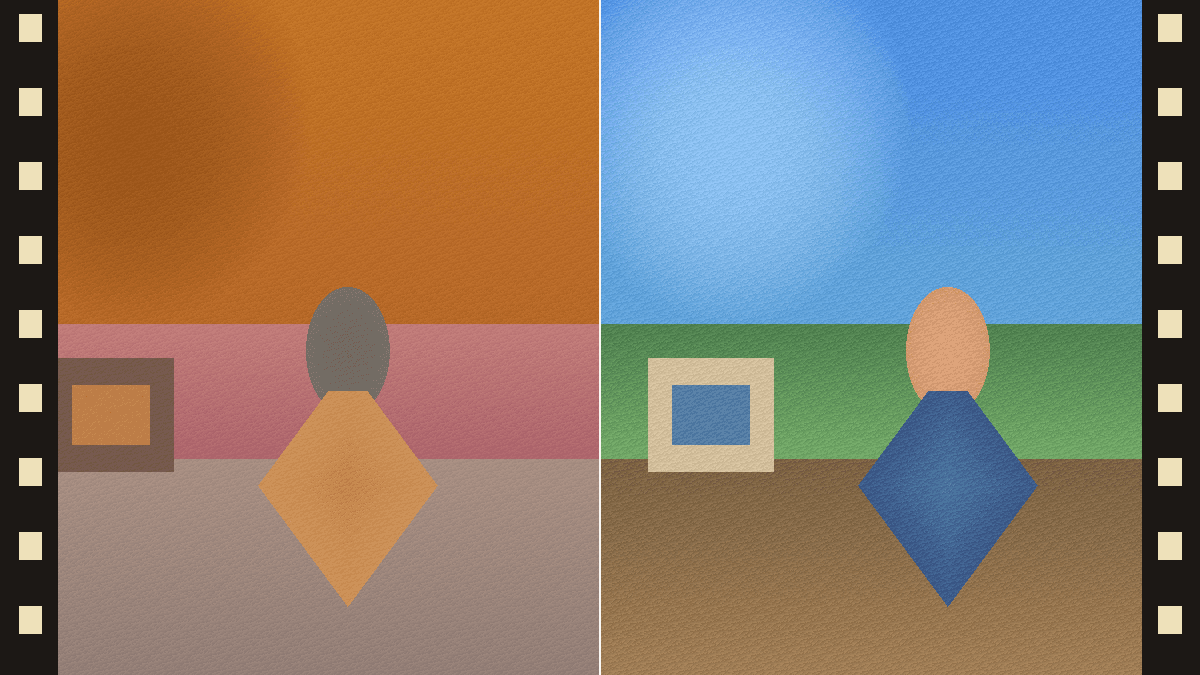
The best free negative viewer should invert the camera feed locally, work without signup, support common film sizes, and explain its privacy model clearly. For quick film sorting, speed and local processing matter more than advanced color grading.
Decision checklist
- Runs in the browser without an account.
- Processes the camera feed locally instead of uploading it.
- Works on phone and desktop browsers.
- Supports 35mm, 120, sheet film, APS, and 110 as long as they are backlit.
- Lets you save a quick reference image.
Feature comparison
| Feature | Why it matters |
|---|---|
| Local processing | Private family or archive images stay on the device |
| Live camera preview | You can scan across a strip before saving |
| No install | Works on borrowed or shared devices |
| Color base sampling | Reduces the blue cast from color negatives |
When free is enough
A free viewer is enough when the job is triage: finding subjects, checking exposure, picking frames to scan properly, or sharing a quick reference. For final prints, you still want a full scan or camera copy workflow.
Frequently asked questions
Is a free negative viewer the same as a scanner?
No. A viewer is optimized for fast preview and selection. A scanner or camera-copy workflow captures more detail for printing and archiving.
What film formats should a viewer support?
Any transparent negative can be previewed if it is evenly backlit. That includes 35mm, 120, 4x5 sheet film, APS, 110, and many older formats.
What privacy signal matters most?
Look for a clear statement that camera frames are processed locally and not uploaded. Browser-based Canvas processing is a practical way to do that.