How to View Film Negatives on Android
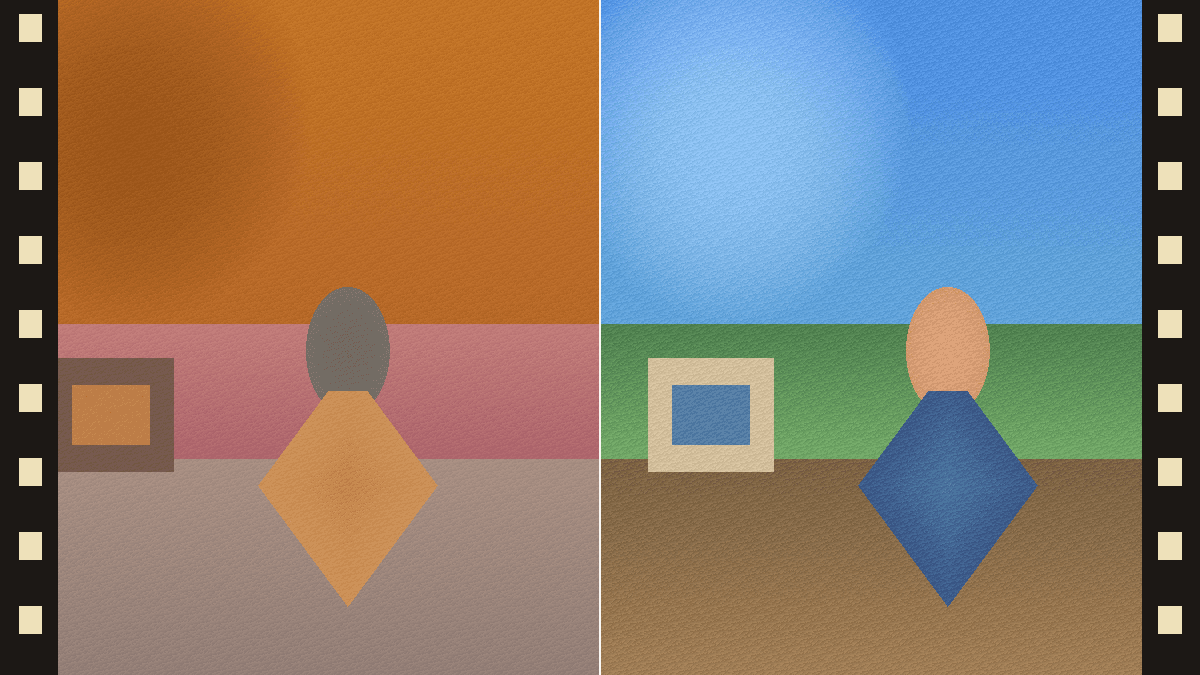
The fastest way to view film negatives on Android is to open Negative Viewer in Chrome, hold the negative against a white backlight, and allow camera access: the page shows a live positive and removes the orange cast of color negatives automatically. Android's built-in color inversion also flips the camera view, but color negatives then look blue and you can't save the positive.
Use live preview in Chrome
Open Negative Viewer in Chrome, Samsung Internet, Edge or Firefox on the phone you will point at the film, and use another phone, tablet or laptop showing a blank white screen as the backlight. Press Start camera and allow access; the page asks for the rear camera.
For color negatives, keep a little clear film edge in the frame: the viewer finds the orange base and removes the cast automatically. For black-and-white negatives or slides, open Adjust and set Film to B&W negative or Positive (slide).
Press Capture to keep a frame, then save it as a PNG or share it. Where the browser supports it, as Chrome on Android does, Capture takes a full-resolution still from the camera instead of the video frame.
Use Android's built-in color inversion
Android can invert the whole screen, including the Camera app's viewfinder. On Pixel and most phones with stock Android, go to Settings → Accessibility → Color and motion → Color inversion. On Samsung Galaxy phones it is Settings → Accessibility → Vision enhancements → Color inversion (Visibility enhancements on some versions). Menu names vary a little by brand and Android version; on other phones, such as Xiaomi, OPPO or vivo, search Settings for “color inversion”.
To switch it on and off quickly, add the Color inversion tile to Quick Settings (open Quick Settings, tap Edit and add the tile), or turn on its accessibility shortcut.
Like iPhone's Classic Invert, it only changes the display. Color negatives show a strong blue-cyan cast because the orange base is inverted too, photos you take are still negatives, and screenshots usually save without the inversion.
Color inversion vs. Negative Viewer
| Task | Android color inversion | Negative Viewer |
|---|---|---|
| Remove the orange cast | No, color negatives look blue | Yes, automatically from a clear film edge |
| Black-and-white negatives | Yes | Yes, in B&W negative mode |
| Slides | Inverts them too, so they look negative | Positive (slide) mode shows them as they are |
| Keep a positive | No, photos stay negative | Capture, then save as PNG or share |
| Brightness and contrast | No | Yes, plus zoom and frame guides |
| Setup | Built into Android | Opens in Chrome, nothing to install |
Sharper results on Android
- Rest the phone on a stack of books or a small stand, parallel to the film.
- If the image stays soft up close, move the phone back until it sharpens and use the viewer's zoom to fill the frame.
- Turn the backlight screen to full brightness and keep room light off the film to avoid reflections.
- If the camera won't start, open the link in Chrome instead of an in-app browser and check that the site is allowed to use the camera (tap the icon left of the address, then Permissions).
Frequently asked questions
Is there a negative viewer app for Android?
You don't need one. Negative Viewer runs in Chrome, removes the orange cast automatically and can be added to the home screen like an app. Play Store apps work too, but this needs no install or account.
Can I use Android's color inversion to view negatives?
Yes, for a quick look: turn on Color inversion (Settings → Accessibility → Color and motion on Pixel, or Vision enhancements on Samsung) and point the Camera app at the negative. Color negatives will look blue because the orange base is inverted too, and you can't save the positive.
Why is the preview blurry when I hold the phone close?
Every phone camera has a minimum focus distance. Move the phone back until the image sharpens, then use the viewer's zoom to fill the frame with one negative.
Is the camera feed uploaded?
No. Negative Viewer processes every frame locally in the browser, and captures are created on your phone.